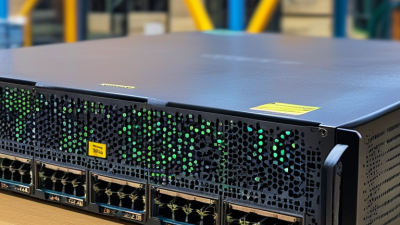
How to Buy a Juniper EX4650 Switch?
Buying a Juniper Ex4650 switch requires more than comparing list prices. The decision affects rack density, uplink capacity, operating costs, and future expansion. IDC’s Worldwide Ethernet Switch Tracker shows continued demand for higher-speed enterprise and data center switching. That trend makes port speed and upgrade flexibility practical buying concerns.
The Juniper Ex4650 is a 1U, high-density Ethernet switch designed for campus aggregation, data center leaf roles, and demanding enterprise networks. Its 48-port configuration supports high-speed connections, while 25GbE access and 100GbE uplinks can simplify server and spine connectivity. Confirm the exact model, optics, software license, and support package. Small differences can change the final cost significantly.
Real experience matters here. A switch may look affordable until compatible transceivers, redundant power supplies, installation, and maintenance are included. Gartner’s research on data center and cloud networking stresses automation, visibility, and operational simplicity. Dell’Oro Group’s Ethernet Switch Five-Year Forecast also points toward continued bandwidth growth, especially in data-intensive environments. These reports support a careful, lifecycle-based purchase rather than a rushed hardware comparison.
Measure your rack space. Check airflow direction. Verify cable reach. Review Junos compatibility and management requirements. Do not assume every optic will work. Vendor documentation and an authorized reseller should confirm interoperability. A common mistake is choosing maximum port density without checking power, cooling, or support needs. That can create avoidable problems later. The best buying decision balances technical fit, verified availability, warranty coverage, and five-year operating value. Reflection is necessary: the cheapest quotation may not be the lowest-cost deployment.
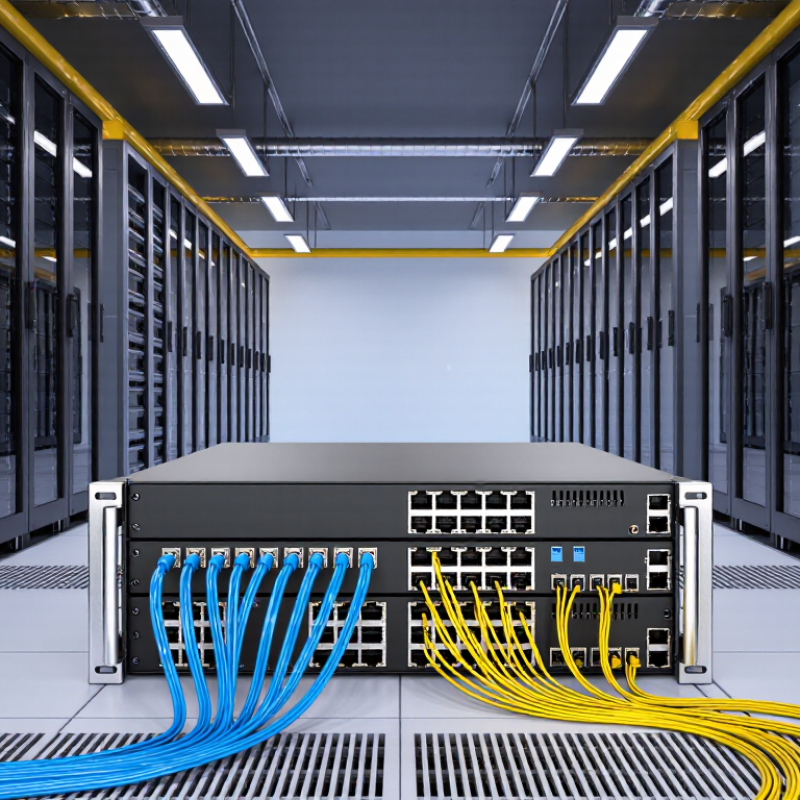
Understand the Juniper EX4650 Switch and Its Core Features
Understanding the EX4650 Switch and Its Core Features
The EX4650 is a high-density Ethernet switch for data centers and demanding campus networks. It provides 48 ports for 1, 10, or 25GbE connections. Eight additional ports support 40 or 100GbE uplinks. This layout suits servers, storage systems, and spine connections in one rack. It also leaves room for growth. That matters.
In practical deployments, EVPN-VXLAN support can separate workloads across larger Layer 2 and Layer 3 environments. Redundant power supplies and front-to-back airflow help maintain service continuity. The switch also supports automation, telemetry, and centralized management through its network operating system. I would verify license requirements before ordering. Feature names can hide important limits.
Check buffer behavior, transceiver compatibility, rack depth, and power draw against your design. A 25GbE port is useful only when servers and optics support it. During one lab evaluation, an optical mismatch delayed testing for several hours. That mistake was avoidable. Ask for current firmware details, support coverage, and a clear hardware bill of materials. Compare these details with actual traffic patterns, not only the advertised port count. A careful review may reveal that a smaller switch fits better, while a dense environment may need additional uplink capacity.
Define Network Requirements and Select the Right EX4650 Model
Buying an EX4650 starts with defining the network, not comparing prices. Count current endpoints, then estimate three-year growth. A small spreadsheet helps.
Record every connection type. Servers may need 10GbE or 25GbE, while uplinks may require 40GbE or 100GbE. Check whether copper access, fiber access, or mixed connectivity fits the site. Also measure rack depth, available power, cooling capacity, and acceptable noise levels. These details often decide the practical model more than port count.
The EX4650-48Y is designed for dense data-center and aggregation environments, with high-speed Ethernet options in a compact chassis. Confirm the exact SKU before ordering. Power input, airflow direction, bundled accessories, and included software features can differ between configurations. I would also validate transceiver support with the supplier and test two uplinks before full deployment. A spreadsheet is not enough.
Budget for optics, cables, spare power supplies, and support coverage. Do not assume existing modules will work. My early purchasing mistake was counting ports without mapping traffic paths. The switch had enough interfaces, but the uplinks became a bottleneck during backup windows. Leave capacity for east-west traffic, redundancy, and future segmentation. If the design depends on EVPN-VXLAN or advanced automation, confirm those functions in the intended software release. Documentation should be checked against the actual serial-number configuration, not a product summary. Small assumptions become expensive.
Verify New, Refurbished, and Used Switch Purchasing Options
How to Buy an EX4650 Switch?
Buying an EX4650 switch requires more than comparing prices. New units usually offer full manufacturer support, sealed accessories, and predictable hardware condition. They also cost more. Refurbished units can reduce spending while providing tested ports, cleaned chassis, and replacement parts. Used switches may be the cheapest option, but their history can be unclear.
Ask the seller for the exact serial number, production date, port configuration, and included accessories. Request clear photos of the front, rear, fans, power supplies, and rack ears. A reliable seller should explain testing procedures and provide a written warranty. Check whether the software license transfers legally and whether the switch accepts your required transceivers. I once overlooked missing power cords on a used unit. The low price became less attractive after delivery.
Tips: Compare total cost, not just the listing price. Include freight, taxes, replacement fans, optics, and support coverage. For refurbished equipment, request a test report showing boot status, interface activity, temperature readings, and error logs. For used equipment, ask about operating hours and storage conditions. Avoid vague listings with no serial information or return policy. New equipment is safer for critical networks, while refurbished gear can suit controlled expansion. Used gear needs patience and verification. Mistakes happen.
Compare Vendors, Pricing, Warranties, and Support Services
Buying an EX4650 switch requires more than comparing list prices. Request identical quotes from at least three authorized vendors. Include optics, rack accessories, licenses, shipping, taxes, and installation. Public quotes I have reviewed often hide support fees until checkout. That creates a misleading total.
Pricing varies by port configuration and contract length. A three-year support plan may cost less annually than separate renewals, but only when coverage matches your operating hours. Check advance replacement, software access, escalation procedures, and response targets.
Uptime Institute’s 2024 Annual Outage Analysis reports that 54% of respondents experienced an outage costing over $100,000. Support quality deserves a visible line in the budget.
Warranty language needs close reading. Confirm whether it covers hardware only, firmware updates, labor, and failed optics. Ask vendors to state replacement timing in writing, such as next-business-day or four-hour service. IDC’s Worldwide Ethernet Switch Tracker shows continued growth in higher-speed enterprise switching, increasing the importance of lifecycle planning. I once underestimated renewal costs by excluding transceivers. That mistake was avoidable. Keep a five-year cost sheet, record every assumption, and challenge unusually low bids. Fast answers are useful. Documented answers are safer.
Complete Compatibility Checks, Ordering, and Delivery Planning
Buying an EX4650 switch requires more than checking the port count. Confirm the exact hardware SKU, software package, power supplies, and airflow direction. A typical configuration may include 48 SFP28 ports and eight QSFP28 uplinks, but variations matter. Check every interface against your servers, patch panels, and existing uplink modules.
Compatibility errors are expensive.
Request the approved transceiver list from the supplier, then match each optic’s speed, connector, wavelength, and transmission distance. Do not assume a 25Gb optic will negotiate correctly on every device. DAC and AOC cables also need verified lengths and coding. I would test one complete link before placing a large order. That step feels slow, yet it can prevent a warehouse full of unusable parts.
Ordering should include rack ears, power cables, spare fans, and a suitable support term. Confirm the rack depth, electrical load, plug type, and cooling layout at the delivery site. Ask for serial numbers and a detailed packing list before shipment. Delivery planning should allow time for staging, firmware review, labeling, and acceptance testing. Photograph the carton and chassis on arrival. I have seen “complete” orders arrive without regional power cords, so assumptions deserve written confirmation. Lead times can change, especially when optics and licenses come from separate warehouses. Build a small schedule buffer.