How to Set Up Your New Fiber Router for Optimal Performance?
Setting up your Fiber Router New can significantly enhance your internet experience. A well-optimized router provides a seamless connection for all your devices. This setup is crucial, especially in today’s world where fast internet is essential for work and entertainment.
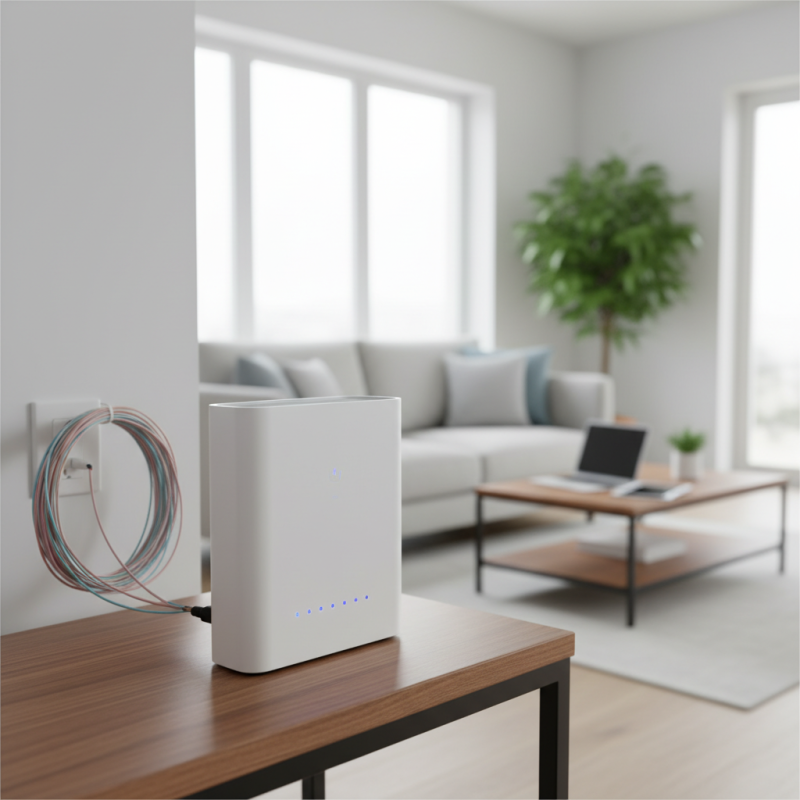
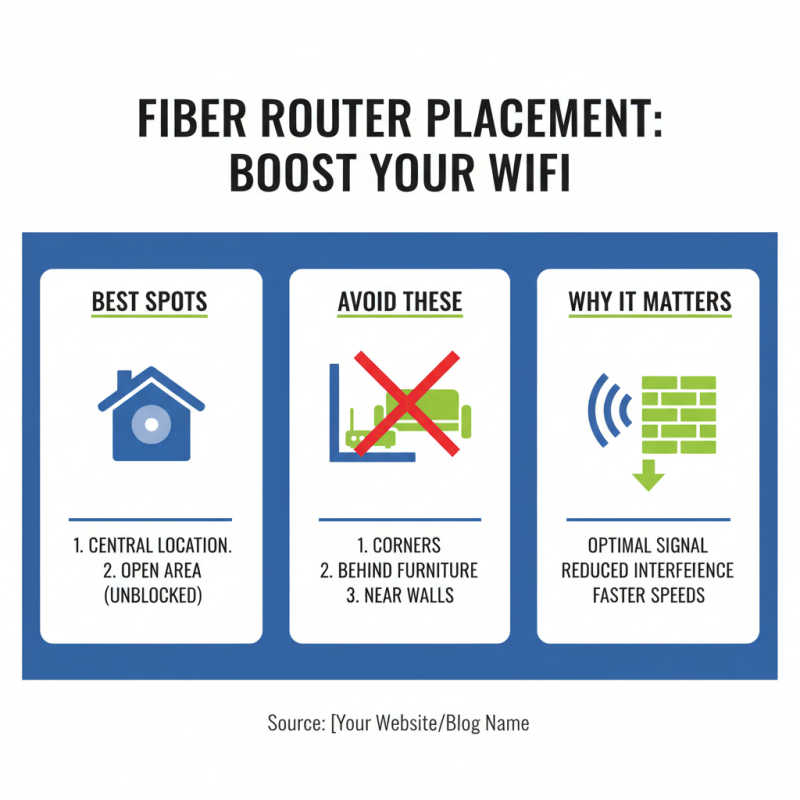
To achieve optimal performance, consider placement and settings. The position of your router affects signal strength. Avoid corners of your home or areas with heavy obstructions. Additionally, updating firmware can boost speed and security.
However, many overlook small details. Ignoring basic settings may lead to frustrating slowdowns. Regular maintenance, like checking for interference, is often neglected. Understanding these aspects can greatly improve your overall experience.
Understanding Fiber Router Specifications and Standards
Understanding fiber router specifications and standards is crucial for optimal performance. Fiber routers use different technologies, such as GPON and Ethernet. These technologies affect speed and bandwidth. Choose the right model based on your needs. Some offer speeds up to 1 Gbps, while others may not meet your demands.
Look at the specifications carefully. Consider the number of Ethernet ports available. Some models have only one or two, which can be limiting. Additionally, check the Wi-Fi standards supported. 802.11ac is common, but newer routers may support 802.11ax for better performance. It's worth noting that some users overlook these details.
Placement of the router matters too. Beyond specifications, the environment affects performance. Walls, furniture, and other obstructions can weaken signals. Users often place routers in corners, leading to poor coverage. Think about the layout of your space when setting up. This can make a significant difference in your internet experience.
How to Set Up Your New Fiber Router for Optimal Performance?
| Specification |
Standard/Value |
Description |
| Speed |
1 Gbps |
Maximum data transfer rate. |
| Frequency Bands |
Dual Band (2.4 GHz & 5 GHz) |
Supports multiple devices simultaneously. |
| Wireless Standard |
802.11ac |
High-speed wireless communication. |
| Ports |
4x Gigabit Ethernet |
Wired connections for stable performance. |
| Security Protocol |
WPA3 |
Enhanced security for the network. |
| Beamforming |
Yes |
Improves signal strength to connected devices. |
| Management App |
Yes |
Mobile app for easy setup and monitoring. |
Configuring Router Settings: Essential Options to Optimize Speed
Configuring your router settings is crucial for optimal performance. Start with the basics. The default settings are often not enough. Adjusting your channel selection can lead to better speeds. For instance, using the 5GHz band can provide faster connections compared to 2.4GHz. According to a recent industry report, 5GHz Wi-Fi can be up to three times faster than 2.4GHz.
Another essential option is Quality of Service (QoS). This feature allows you to prioritize bandwidth for specific devices. If your household runs multiple devices, this can help. Streaming videos or gaming may become smoother when prioritized. However, not all routers have user-friendly QoS settings. Some may require a learning curve to configure effectively.
Don’t overlook firmware updates. Manufacturers frequently release updates to improve performance and security. Yet, many users ignore this step. An out-of-date router can have performance issues. In a survey, 45% of users reported a significant improvement after updating their router's firmware. Remember, even minor adjustments can lead to noticeable differences in speed. Being proactive with settings can prevent future frustrations.
Optimal Router Configuration Settings for Speed Improvement
Using Ethernet vs. Wi-Fi: Maximizing Your Fiber Internet Performance
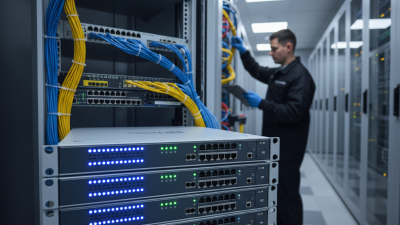
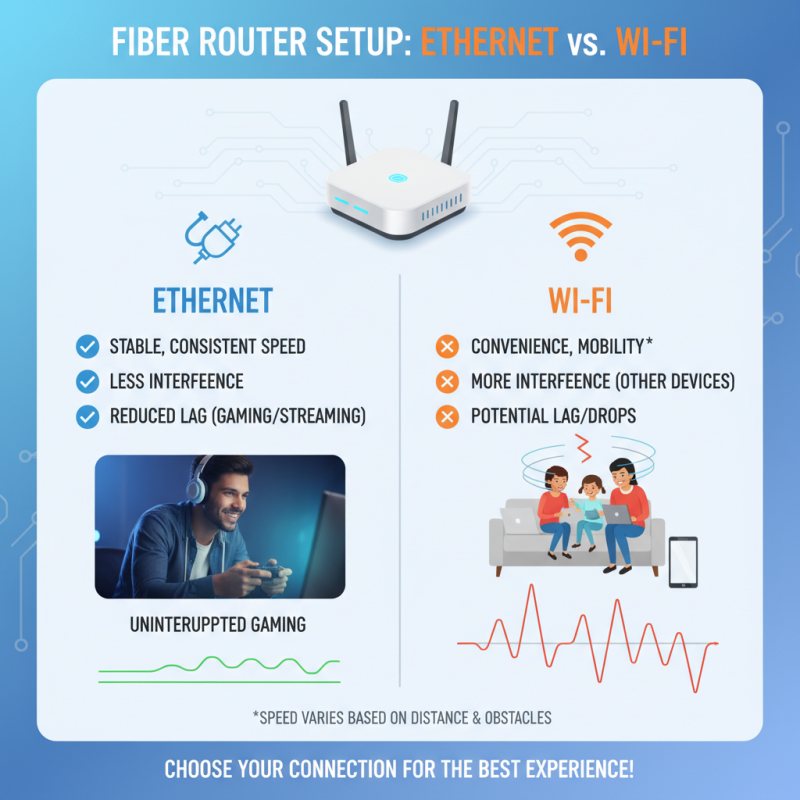
When setting up your new fiber router, choosing between Ethernet and Wi-Fi can significantly affect your internet experience. Ethernet connections provide a stable and consistent speed. They are less susceptible to interference from other devices. If you have multiple devices streaming or gaming, using Ethernet can reduce lag. Just picture a gaming session with no interruptions. That’s what Ethernet can offer.
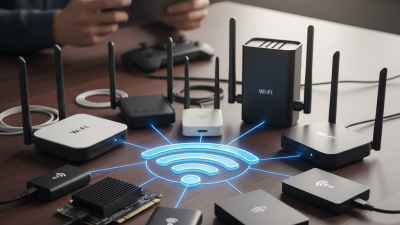
On the other hand, Wi-Fi brings convenience. No cables restrict movement, making it ideal for mobile devices. However, environmental factors can impact its speed. Walls, furniture, and other electronic devices can hinder the signal. If your router is far from your device, you might experience slower internet. Sometimes, it may seem frustrating when the connection drops unexpectedly.
Finding the right balance is key. If you need speed for demanding tasks, use an Ethernet cable. For browsing and casual use, Wi-Fi is sufficient. Reflect on your daily internet activities to determine the best setup. It’s worth considering these factors to truly maximize your fiber internet performance.
Regular Maintenance and Updates for Sustained Router Efficiency
Regular maintenance of your fiber router is crucial for
peak performance. Dust can accumulate on the device. This buildup can lead to overheating.
Ensure to check for dust weekly. A simple cloth will suffice.
Also, consider the placement of your router. Avoid cramped spaces. A well-ventilated area is ideal.
Updating firmware regularly is essential to keep your
router secure. New updates can enhance performance. Check for updates monthly. Many users
overlook this step, thinking it’s unnecessary. However, outdated firmware
can expose your network to risks. Set reminders to avoid missing updates.
Restarting your router periodically can solve various connectivity issues.
It’s a simple yet effective action. Some may forget this step in busy schedules.
A weekly reboot can refresh your connections.
During the reboot, consider your network’s strength. Are there dead spots in your home?
Identifying these can help improve overall performance.
Regular checks can foster a more reliable internet experience.