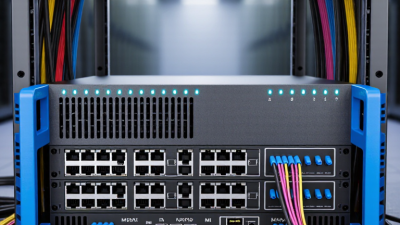
Leave Your Message

Where to Buy the Best Used Juniper Router in China?

Choosing where to buy a Used Juniper Router in China takes more than comparing prices. The right source should explain the device’s history, condition, and testing process in clear terms. Look for established network-equipment refurbishers, enterprise surplus suppliers, or resellers with verifiable business details. Ask for the exact model, serial-number information, hardware configuration, and recent test results. Details matter.

A careful inspection can prevent costly surprises. Confirm that the router boots reliably, that its ports and fans work, and that the installed components match the listing. Check whether the software configuration and any required licenses suit your intended use. Ask about warranty coverage, return conditions, and the availability of compatible spare parts. A polished listing is not proof of dependable hardware. Request photos of the actual unit and written answers to technical questions before paying. If a seller cannot provide basic evidence, consider another option.

This guide will compare practical sourcing channels in China and explain what to verify before placing an order. It will also cover pricing signals, seller communication, and common condition-related risks. No checklist removes every uncertainty; refurbished equipment can still behave differently under real workloads. A cautious buying process helps you judge the evidence, match the router to your network, and make a more informed decision.
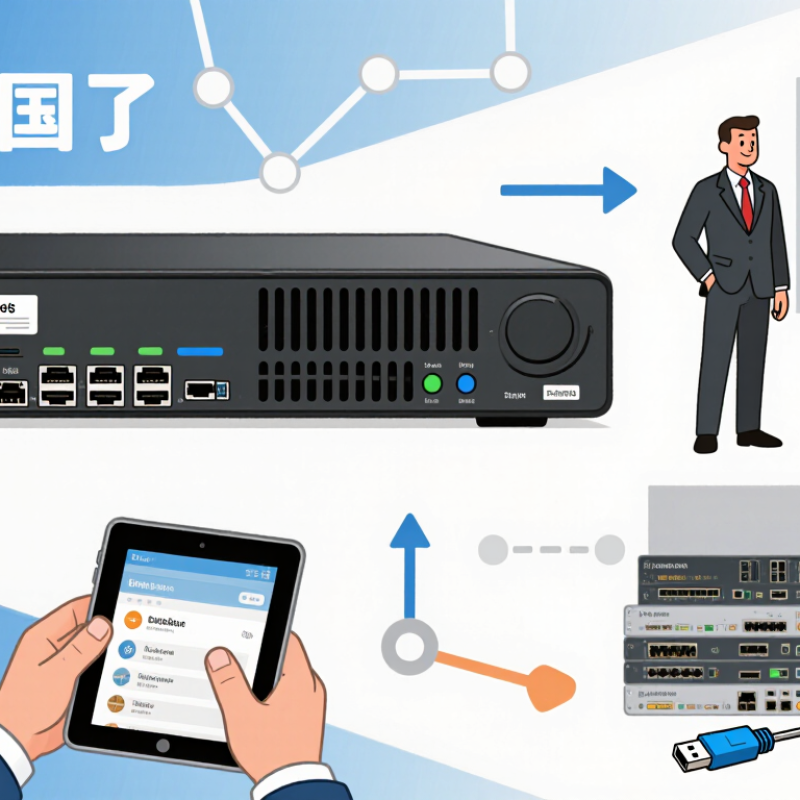
Where to Buy the Best Used Juniper Router in China?

Understanding Used Juniper Routers and Matching Models to Network Needs

A used router is a previously deployed device, so its age alone does not tell you whether it fits.

Match its tested throughput to your peak traffic, not just the speed printed on a port. Count required interfaces, check supported routing features, and confirm that replacement fans, power supplies, and compatible optics are available. Small detail. Big difference. For a branch office, stable access and a few uplinks may matter more than maximum port density. A data center edge needs stronger forwarding capacity and room for traffic growth.

Demand is rising: the ITU’s Facts and Figures 2024 estimates that 5.5 billion people were online, or 68% of the global population. That figure does not predict your network load, but it explains why yesterday’s capacity estimate can age quickly.

Reliability matters too. Uptime Institute’s 2024 Global Data Center Survey found that 54% of respondents’ most recent significant outages cost over US$100,000. Before buying in China, ask a qualified refurbisher for the unit’s exact hardware revision, test results under load, interface checks, and a clear return period. Port count is tempting, but it can mislead. A clean chassis is not proof of healthy components; request evidence, then compare it with your actual traffic and maintenance plan.
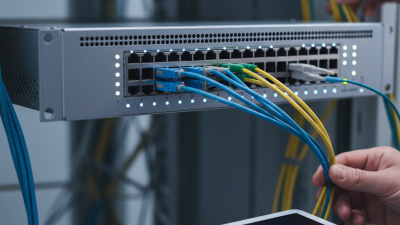

Identifying Reputable Sources for Used Juniper Routers in China

In China, reputable sources for used routers often include specialist network-equipment refurbishers, enterprise IT asset-recovery firms, and established business-to-business resellers. A polished storefront is not enough. Check the seller’s registered company details, service address, and experience handling enterprise equipment. Request a dated inventory showing each unit’s model, serial number, included power supplies, and cosmetic condition. Ask for evidence.

Before paying, request a live video showing the router booting and its ports working. Confirm that the device can be reset and that its software status suits your network. Ask whether the quoted price includes testing, replacement parts, and a written warranty. A brief warranty is still more useful than a vague promise. Request an invoice and clear return terms, and check that the seller can explain where the equipment came from. A low price may reflect age or missing accessories, not necessarily a bargain. I may be overly cautious, but a serial-number mismatch or pressure to pay quickly would make me pause.

Verifying Router Authenticity, Condition, and Software Support

Before buying a used enterprise router in China, treat authenticity as a chain of evidence, not a seller’s promise. Request clear photos of the chassis label, ports, and internal diagnostics, then match the serial number and product identifier against the manufacturer’s support records. Ask for the original configuration export and a written hardware test report. Check for bent port pins, damaged screw heads, dust packed around vents, and mismatched labels. Small clues matter. A clean exterior proves little. I still find it easy to trust polished photos too quickly.

Software support deserves equal scrutiny. Confirm the exact hardware revision, its last supported software release, and whether security updates remain available. The 2024 Verizon Data Breach Investigations Report found that exploitation of vulnerabilities as an initial access route rose 180% year over year and featured in 14% of breaches. That figure is not specific to routers, but it underlines the risk of unsupported firmware. Ask the seller to demonstrate a factory reset, successful boot, and access to the documented update path. Record the installed release and compare it with published security advisories. If the seller cannot show this, pause. A low price may still cost more in downtime and exposure.

Where to Buy the Best Used Enterprise Router in China? — Verifying Router Authenticity, Condition, and Software Support

Use this checklist to compare prospective sellers and inspect a used router before payment. Confirm product-specific details with the original manufacturer or an authorized support channel; requirements vary by model and region.

Evaluation Area What to Check How to Verify Good Evidence Before Purchase
Seller and transaction A traceable seller, clear return terms, and an invoice or written sales record. Check the seller’s business details where applicable. Read the return window, warranty exclusions, and refund procedure before paying. Written quotation, item description, payment record, and documented return or warranty terms.
Model and configuration Exact model, hardware revision, installed modules, port types, power supplies, and included accessories. Compare the chassis label and device-reported inventory with the manufacturer’s documentation for that model. Clear label photographs and a configuration report showing the installed components.
Authenticity and serial number Matching serial numbers and labels; no signs of altered identification or mismatched parts. Compare the chassis label with the serial number shown in the device interface. Ask the manufacturer or an authorized support channel to confirm available records. Consistent serial-number evidence and confirmation obtained through an official verification channel, when available.
Physical condition Bent chassis, damaged ports, corrosion, missing screws, broken latches, or signs of liquid or heat damage. Request recent, well-lit photographs of all sides, the ports, labels, and any visible damage. Inspect the unit in person if practical. Photographs that clearly show the actual unit, plus a written disclosure of defects and repairs.
Power-on and hardware tests Successful boot, stable power, working fans, and no persistent hardware alarms or critical fault messages. Ask for a continuous test video or conduct a supervised test. Review system health and hardware diagnostics where supported. Dated test evidence showing startup, health status, and the ports or modules included in the sale.
Port and traffic testing Required interfaces link up and pass traffic at the speeds and media types supported by the exact configuration. Test each required port with compatible cables or optics and a known-good peer device. Check interface status and error counters. Test results for the interfaces needed in your deployment; do not rely only on a power-on demonstration.
Software and support status Software version, applicable security updates, product support status, and whether support or software entitlements can transfer. Check lifecycle and support information for the exact model. Confirm entitlement, download, and transfer rules directly with the manufacturer or authorized support channel. Written confirmation of the software and support access available to the buyer; do not assume a license transfers with the hardware.
Configuration and access Device can be securely reset and administered, with no unknown credentials or retained previous-owner configuration. Agree on a documented factory-reset or clean-handover procedure. Change credentials and review management access before connecting it to a production network. Successful reset and buyer-controlled administrative access, verified before deployment.
Compatibility and compliance Power requirements, environmental limits, network features, and any applicable import or regulatory requirements. Compare the exact model’s documentation with your rack, power, optics, network design, and deployment location. Check applicable local rules. A configuration matched to your requirements and confirmation that the equipment can be lawfully imported and operated where needed.
Price and total cost Compare the asking price with the exact configuration and account for testing, missing parts, shipping, taxes, and support costs. Request an itemized quote and compare equivalent configurations rather than headline prices alone. A written total-cost breakdown and a clear list of included and excluded items.
Payment and shipping Protected payment terms, tracked shipment, suitable packaging, and a process for reporting transit damage. Use a payment method with documented dispute procedures where available. Agree on packaging, shipping responsibility, and delivery inspection terms. Written shipping terms, tracking information, and clear steps for inspection or damage claims.

Practical rule: Buy only after the exact model and configuration are documented, the unit passes the tests relevant to your use, and software or support availability is independently confirmed. Treat unverifiable claims as unconfirmed.

Comparing Seller Credentials, Pricing, Warranty, and Delivery

Where to Buy a Reliable Used Router in China?

A dependable seller should provide a verifiable business profile, clear equipment photos, and the router’s serial number before payment. Ask for a live demonstration showing the device booting, ports working, and management access available. Compare the serial number on the unit with the seller’s records. Missing details are a reason to pause. Even a neat listing can leave questions unanswered.

Tips: Request a written warranty and return window. Confirm whether the unit is tested, refurbished, or sold as-is. Ask how it will be packed and whether tracking is included.

Compare prices against the same model, memory, port configuration, and condition; a low price may exclude power supplies or other essentials. Get the final price and delivery estimate in writing, including any extra shipping charges. Read the warranty terms carefully: coverage length matters, but so do repair or replacement procedures. I would not rely on a verbal promise. Keep the invoice, test results, and delivery photos, and inspect the router promptly after arrival.

Completing the Purchase and Testing the Router After Delivery

After delivery, photograph the carton, seals, chassis, and serial label before powering on. Check for bent rack ears, blocked vents, corrosion, loose screws, or mismatched accessories. Ask the seller to confirm the unit’s ownership, tested condition, and return window in writing. A clean exterior proves little.

Start the router on a workbench, not in your live network. Connect a console cable and confirm it completes startup without repeated errors. Verify the installed software version, memory, fans, power supplies, and every port; test links with known-good cables and a controlled traffic test. Keep the device isolated until its previous configuration and credentials have been removed. Uptime Institute’s 2024 outage analysis found that 54% of surveyed organizations had experienced a significant outage within three years. That figure is not a router failure rate, but it shows why bench testing matters. Record temperatures, boot time, port status, and test results. Small details count. If one interface behaves intermittently, repeat the test after cooling and under load. I would not call a unit reliable after one successful boot; that judgment needs evidence.